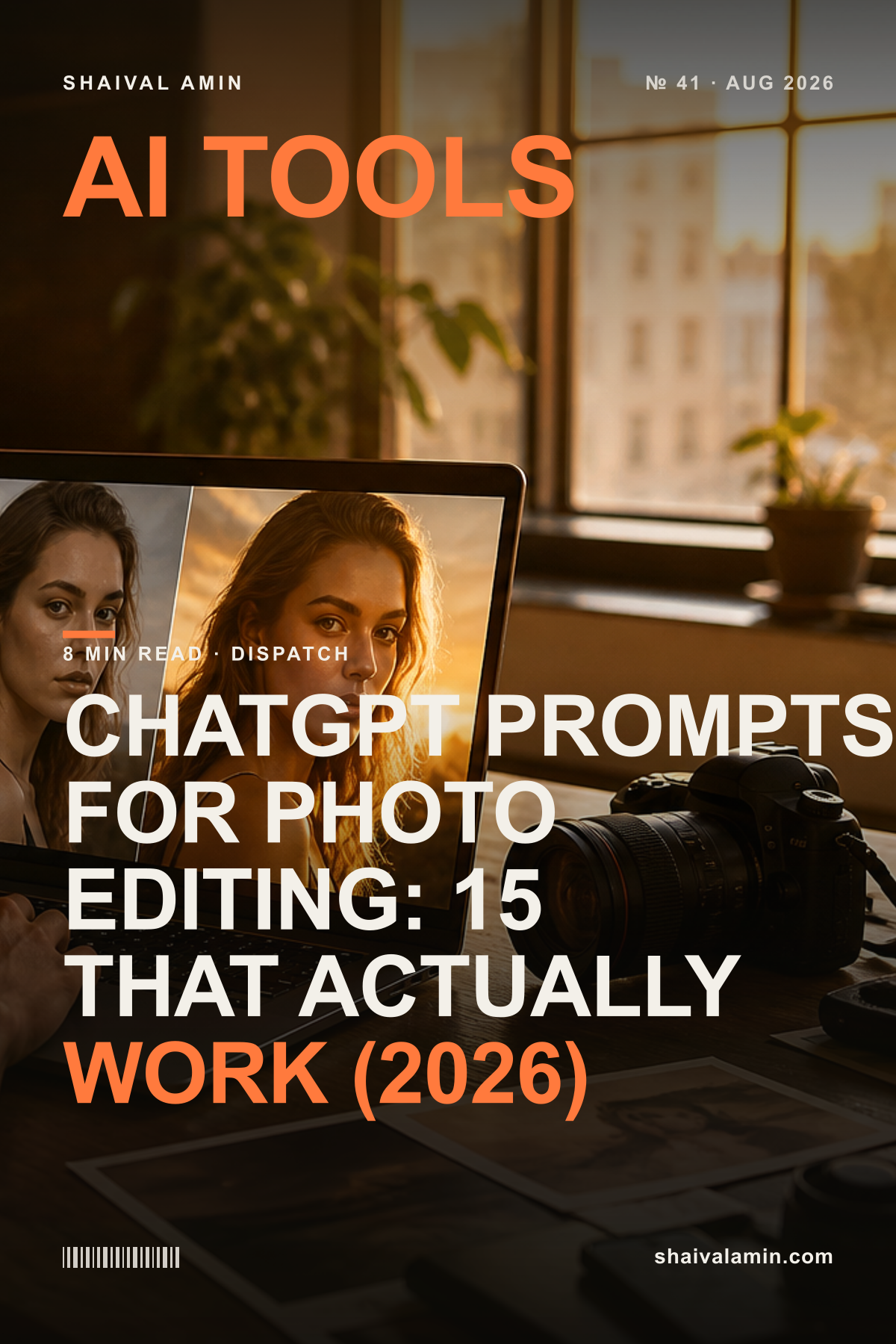
ChatGPT Prompts for Photo Editing: 15 That Actually Work (2026)
Copy-paste ChatGPT prompts for photo editing — trending on Instagram right now. Retouch, restyle, upscale and background-swap your photos with plain English.
AdSense slot #post-top
Everyone's asking for ChatGPT prompts for photo editing — and for good reason. With image tools built in, you can now retouch, restyle and transform a photo by just describing what you want, no Photoshop skills needed. Below are 15 copy-paste prompts I actually use, grouped by what you're trying to do.
How to use these prompts
Upload your photo to ChatGPT (or any AI image tool), paste a prompt, and swap the [brackets] for your details. Be specific — the more you describe the result you want, the better it comes out. Then iterate: "make it warmer", "less saturated", "keep the face exactly the same".
Retouch & clean up
- "Retouch this portrait: even out the skin naturally, remove blemishes, brighten the eyes slightly — keep it realistic, not plastic."
- "Remove the [object/person] in the background and fill it in seamlessly."
- "Fix the lighting on this photo — it's too dark. Balance the exposure and recover detail in the shadows."
- "Remove the harsh shadow across the face and make the lighting soft and flattering."
Restyle & vibe
- "Restyle this photo with a warm, cinematic golden-hour look — soft, film-like, premium."
- "Turn this into a clean editorial magazine style: high contrast, minimal, timeless."
- "Give this photo a moody, teal-and-orange colour grade like a movie still."
- "Make this look like a 90s film photograph — subtle grain, faded colours, nostalgic."
Background & composition
- "Replace the background with a clean studio backdrop in soft beige, keep the subject perfectly intact."
- "Change the background to a blurred café at golden hour — natural depth of field."
- "Crop and recompose this for Instagram (4:5 portrait) with the subject nicely centred."
Upscale & fix quality
- "Upscale this photo to be sharper and higher resolution without making it look artificial."
- "This photo is blurry — sharpen it and recover facial detail, keep it natural."
- "Restore this old, damaged photo: remove scratches, fix fading, keep the original character."
- "Make this product photo look crisp and professional for an online store listing."
The one rule that makes prompts work
Describe the outcome, not the tool. "Make it pop" is weak; "increase contrast, deepen the shadows, and warm the highlights slightly" is strong. And always add "keep the face/subject exactly the same" when editing people — it stops the AI from redrawing them.
Want the full system — 100 organised prompts for writing, work, business and creativity, not just photos? That's the 100 AI Prompts pack in the store. Or grab a free 50-prompt starter pack to try it first.
Keep reading
 01AI Tools
Claude Can Now Use Your Browser — 'Claude in Chrome' Goes Live
Anthropic just made Claude in Chrome generally available — an AI that browses and clicks for you inside your own browser. Handy, and worth understanding before you hand it the keys.
 02AI Tools
OpenAI Removed the DALL·E GPT — Here's What Changed (and What Didn't)
OpenAI retired the dedicated DALL·E GPT from ChatGPT on August 30. Image generation isn't gone — it moved. Here's what it means for anyone making images with AI.
 03
03